

Play Music Assistant Without Home Assistant
Run the Thalovant home bridge yourself on a machine that stays on, such as a NAS, and get your Music Assistant token and speaker names ready for it.
Say “play Adam’s Song in the kitchen” to any Thalovant device, and your Music Assistant plays it on the kitchen speaker, with no Home Assistant in between. Use the name of a track, album, artist or playlist you have: through the bridge a name is looked up, so it does not play a whole genre.
Most households don’t need a program at home: they turn Home media on by voice on a Thalovant device. This page is the advanced route, for running the bridge yourself on a machine that stays on, such as a NAS.
You need Music Assistant running at home with your speakers listed in it, a small always-on Linux machine on the same network, and a Thalovant account with one hub.
Get Music Assistant Ready
Section titled “Get Music Assistant Ready”-
Name your speakers the way you say them. In Music Assistant, select Settings, then Players. If you say “kitchen”, the player must be called Kitchen. To rename one, open it and select the pencil next to its name.
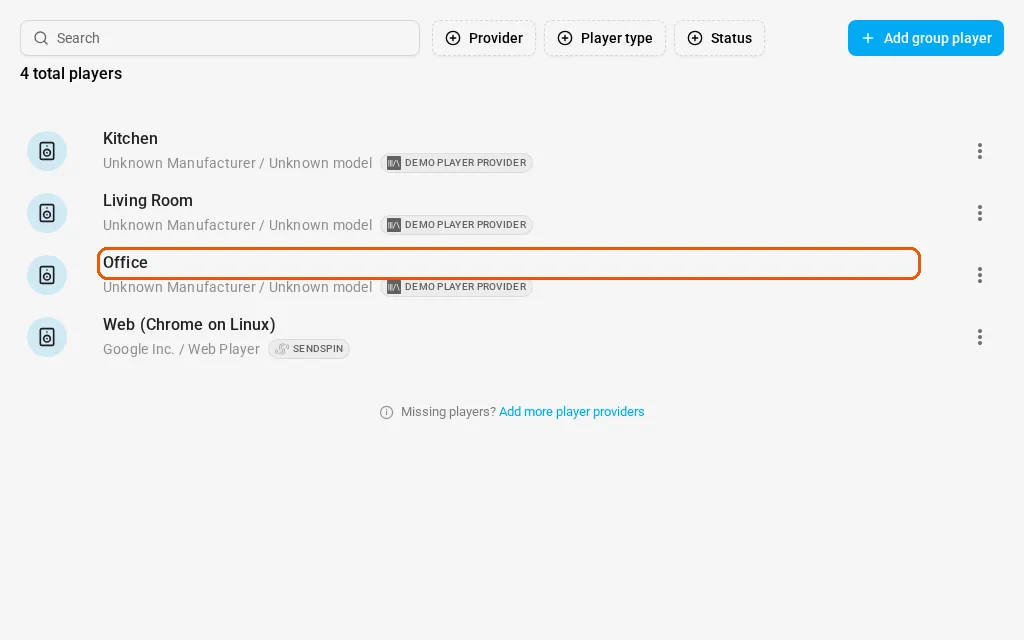
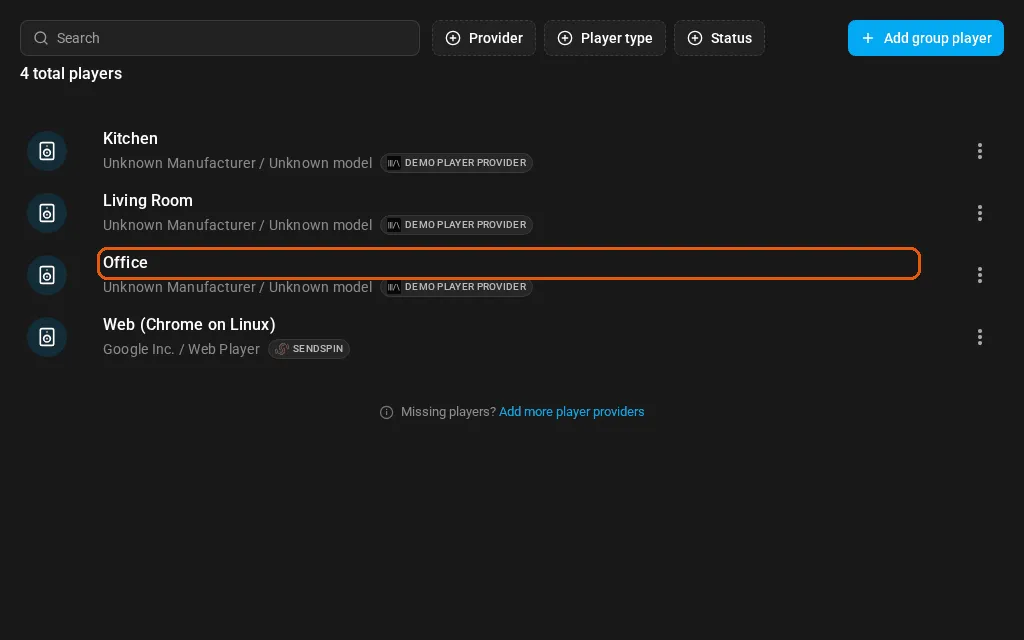
Each player is named after the room you say. -
Open your profile. Select your user name at the bottom left, then Profile. Scroll down to Long-lived access tokens and select Create new token.
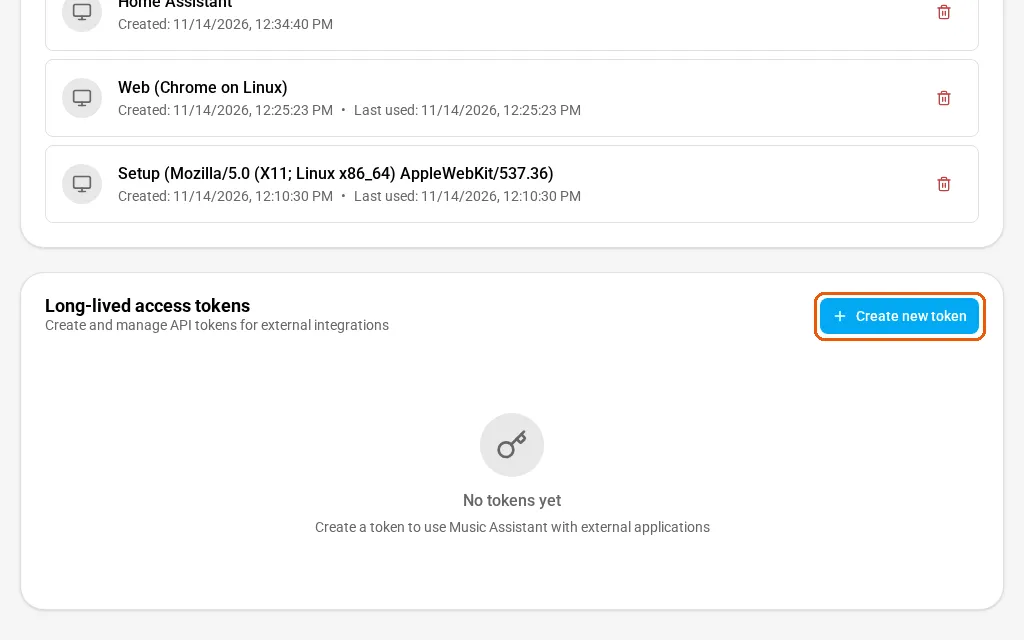
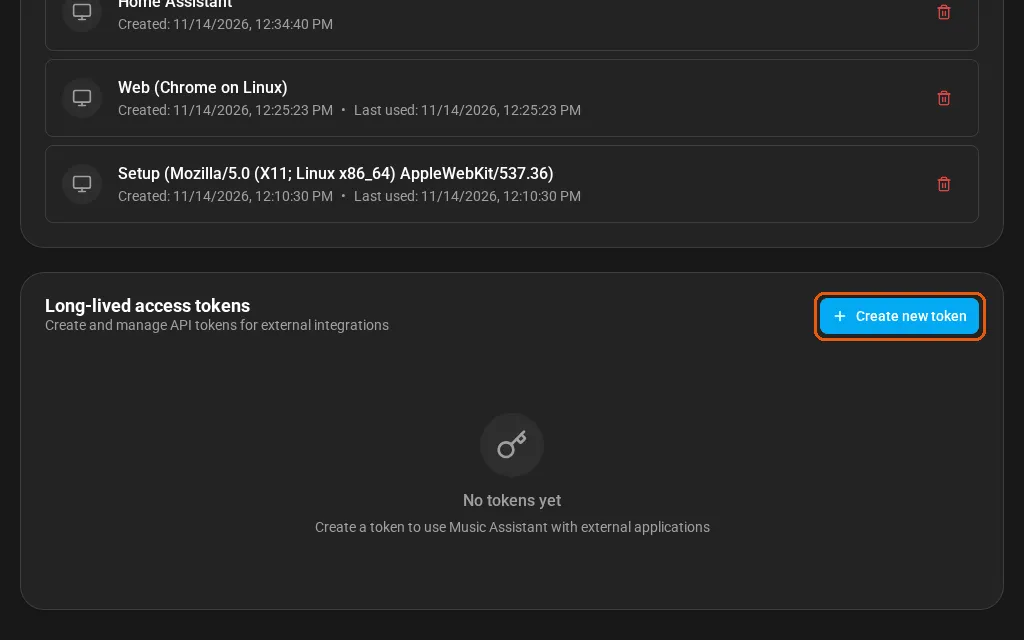
Create new token sits under Long-lived access tokens. -
Name the token and create it. Type Thalovant and select Create.
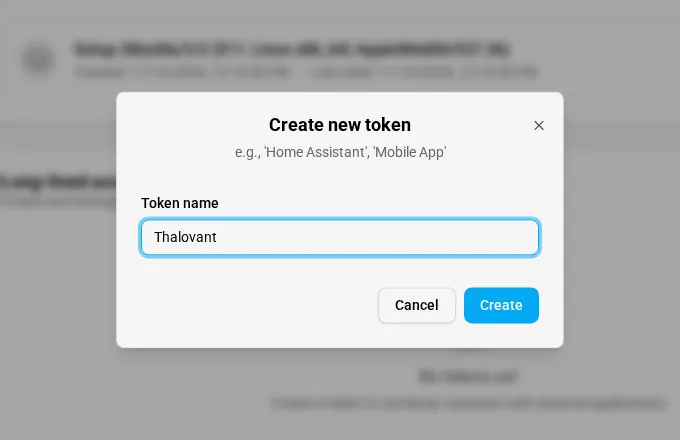
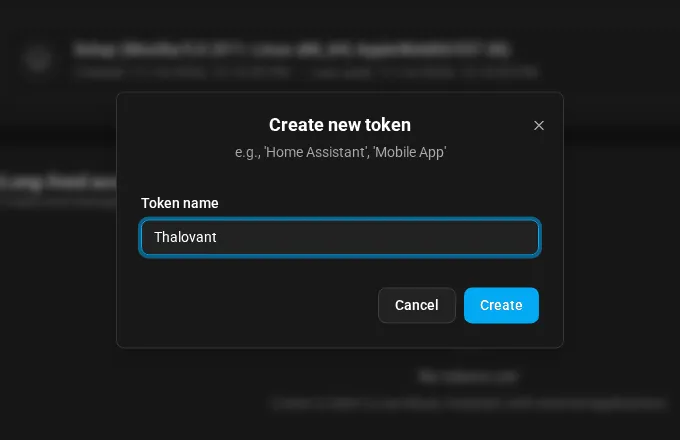
Type Thalovant as the token name, then select Create. -
Copy the token. Music Assistant shows it once. Select the copy button and keep it somewhere safe. The bridge asks for it, along with the address you open Music Assistant at.
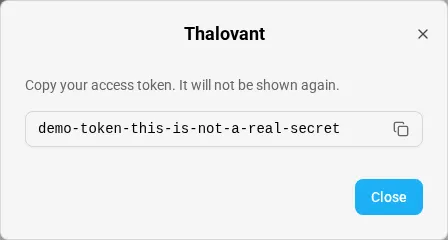
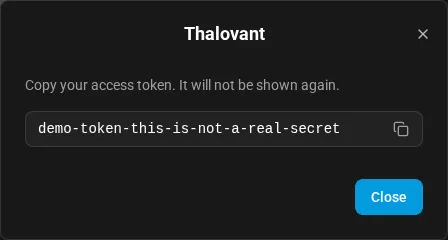
Copy it now; Music Assistant shows it once.
Check It Works
Section titled “Check It Works”Once the bridge is running, say to a Thalovant device: “Play Adam’s Song in the kitchen.” The kitchen speaker starts, and Thalovant tells you what it queued.
What the Bridge Does
Section titled “What the Bridge Does”The bridge connects out to your hub, so you open nothing on your router, and it does what the hub asks for your account and nobody else’s. It can play something by name (with the artist, next or at the end of the queue), your favorites and more like this. It can say what’s playing, set shuffle, repeat and volume, mute, pause, resume, stop and skip, move the music to another room, and group or ungroup speakers. It can’t run any other Music Assistant command and never plays a web address. Your token stays in a file on the bridge’s own computer, which the bridge refuses to read if other people can open it.
If It Doesn’t Work
Section titled “If It Doesn’t Work”If Music Assistant refuses the token, make a new one with steps 2 to 4. If you hear “Kitchen is not available right now. Check that it is switched on.”, the speaker is switched off, or no player is called that, so check the name in step 1. If you hear “I can’t reach your home right now. Check that your Thalovant home bridge is switched on and online.”, the bridge isn’t connected to your hub yet; a new connection takes about ninety seconds to be let in. If you hear “Your home bridge can’t reach Music Assistant. Check that it is running.”, the bridge is connected but Music Assistant isn’t answering. If you hear “That isn’t available through your Thalovant home bridge yet.”, the bridge doesn’t carry it, such as adding the current song to your favorites or clearing the queue.
The Music Assistant page explains what each request can do and what reaches your hub.