
What is Thalovant?
A platform for assistants, agents, and apps. Learn how hubs, skills, connected clients, and private workspaces fit together, and choose your first step.
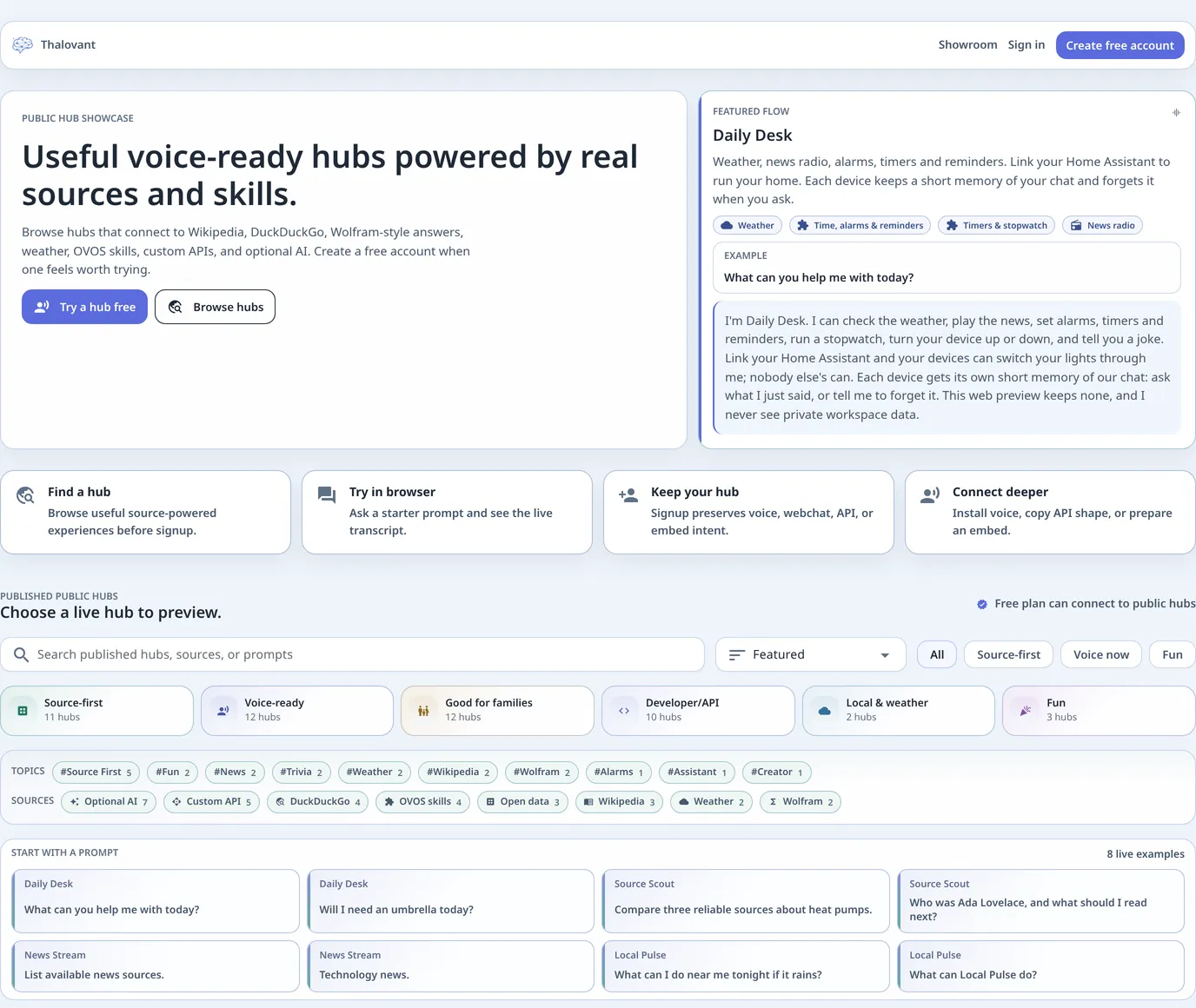
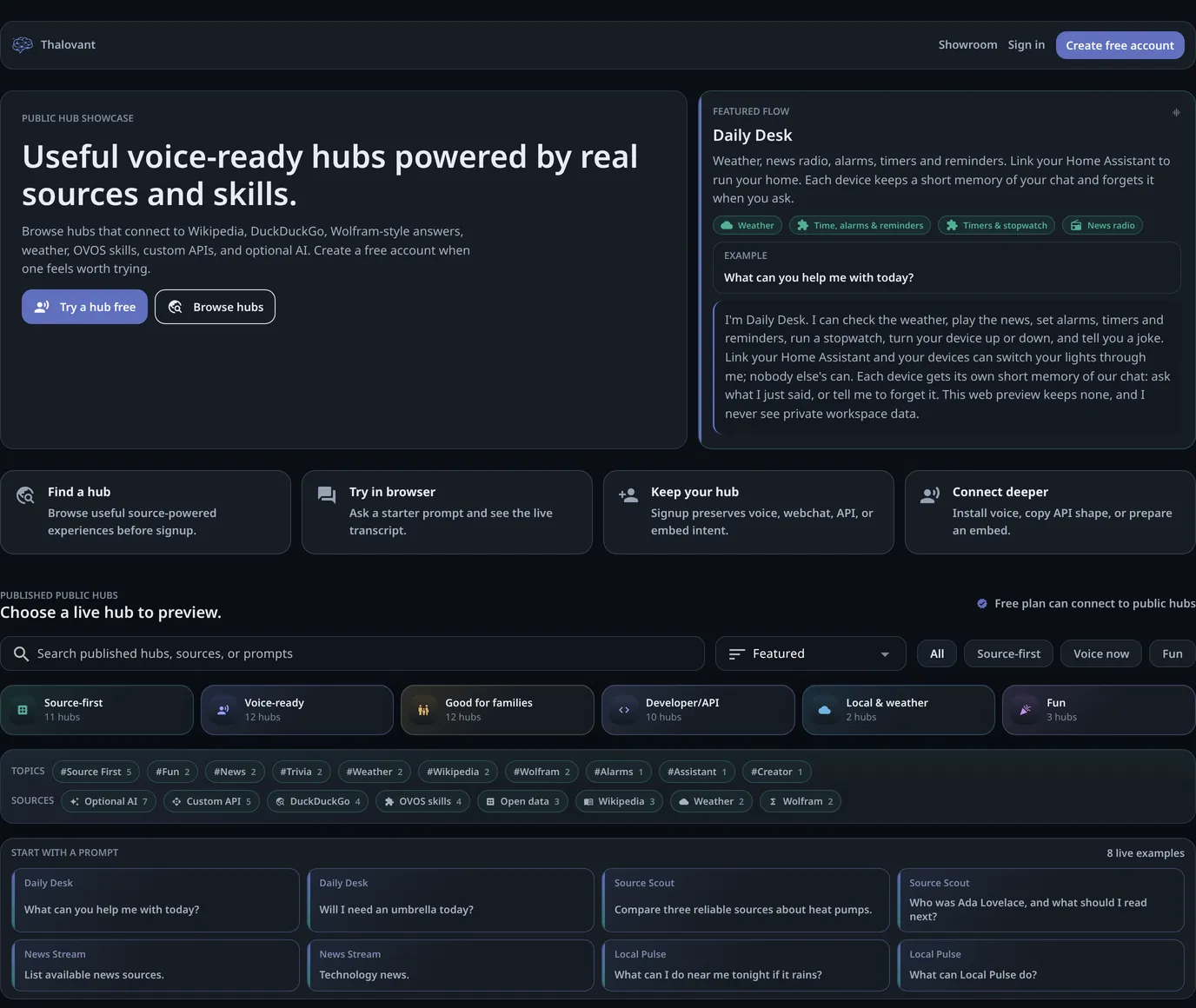
Thalovant is a platform for assistants, agents, and apps. Hubs run skills; voice devices, web apps, services, and agents connect as clients. Try capabilities on public hubs, or manage your own hubs, skills, clients, and access rules in a private workspace.
A voice assistant is one use. Ask for the weather from the kitchen, set a timer from the couch, check the news from your phone: the same assistant answers each time, out loud. It takes its answers from live weather, Wikipedia, the skills you add and, if you link it, your own home.
You can try it before setting anything up. Open a public hub in your browser, pick one of its starter questions and read the answer. No account, no install, about thirty seconds.
The Shape Of It
Section titled “The Shape Of It”You
- Your phone
- A speaker
- An app or a script
Your hub
It hears the question and decides the answer.
What it answers from
- Live weather
- Wikipedia
- Your home, through Home Assistant
- The skills you add
There are three words you’ll meet everywhere, and only three.
| Word | What it means |
|---|---|
| Hub | Runs skills to handle requests and return responses. One hub can serve many clients. |
| Client | Connects to a hub to send requests and receive responses: a phone, a speaker, a browser app, a service, or an agent. |
| Skills | What the hub knows how to do. Weather is a skill; so is a timer; so is the quiz you write yourself. |
A public hub is one Thalovant runs for everyone to try. A private hub is yours: it keeps your memory, your clients and your settings, and nobody else’s questions go through it.
What You Can Ask
Section titled “What You Can Ask”A hub answers what its skills cover. The public Daily Desk hub answers the weather, the time and date, a timer or an alarm, the news, a joke, a quiz, what happened on this day, and general questions it can look up. Each hub lists its own phrases on What can I ask?, and your own hub answers whatever skills you add to it.
Linked to Home Assistant, it also turns lights and switches on and off, reads a sensor, and runs the scenes you’ve exposed. Link Home Assistant shows the ten-minute setup.
Build Apps And Connect Agents
Section titled “Build Apps And Connect Agents”Use the SDKs and their API clients to connect your app or service, manage hub resources, and handle responses and events. The MCP server exposes hub capabilities as tools for agents. Add your own capabilities with skills, or connect through MQTT where your hub and client support it.
Where It Runs
Section titled “Where It Runs”The hub itself runs on Thalovant’s servers. What you install depends on your client. Voice clients listen and speak; apps, services, and agents use an SDK or MCP connection:
- A phone. The Thalovant app, with the wake word on the device.
- A computer or a speaker. Thalovant Voice for macOS, Windows and Linux, on Intel or Arm, down to a small board such as a Raspberry Pi running headless.
- A browser tab. Nothing to install; good for a first try.
- Your own code. Eight SDKs and an MCP server, on the developer pages.
What runs where says exactly which part works without an internet connection, which is less than people expect.
What It Costs
Section titled “What It Costs”The Free tier lets you try every public hub, connect one device, keep one memory item and ask about a hundred questions a day. A paid plan adds your own hubs, more devices and more memory; Billing and plans lists the prices and the limits side by side, and you can withdraw or cancel from the same place.
Where Your Voice Goes
Section titled “Where Your Voice Goes”For voice clients, the wake word is detected on your device. After it, the audio or the text of your question travels to the hub, and the answer comes back. Where your voice goes follows that path hop by hop and names what never leaves the device.