
Preferences
Communication style, preferred briefing order, default city, or recurring work habits.
Use private Daily Desk memory without confusing it with public hub previews.
Memory is private workspace context for Daily Desk and other workspace assistants. Use it for notes, preferences, and facts that should persist across sessions.
Public hubs don’t store personal memory. The one exception is public Daily Desk, which keeps a short chat memory for each connected client, so it can answer “what was the last joke you told me?”, and forgets it when you say “forget what I said”. The web preview on the site keeps none, and it never reads private workspace data. Daily Desk in the public catalog is the showroom: it lets people try the style, prompts, and everyday skills before they move to a private workspace.
| Surface | Stores personal memory? | Good for |
|---|---|---|
| Public Daily Desk | Only a short chat per connected client, cleared on request; none for the web preview | Trying the public hub, starter prompts, and everyday voice flow. |
| Free plan memory | One durable personal memory item | Letting the assistant remember one useful thing before you upgrade. |
| Private Daily Desk memory | Yes, inside the workspace boundary, with no item limit on paid plans | Preferences, notes, and facts for a Home, Family, or Work plan. |
| Kid-labelled hubs and preview sessions | No | Children and anonymous visitors. No memory, transcript, or IP address is kept. |
memory:read and memory:write.thalovant-skill-memory to the private skill set that serves the hub.access_token.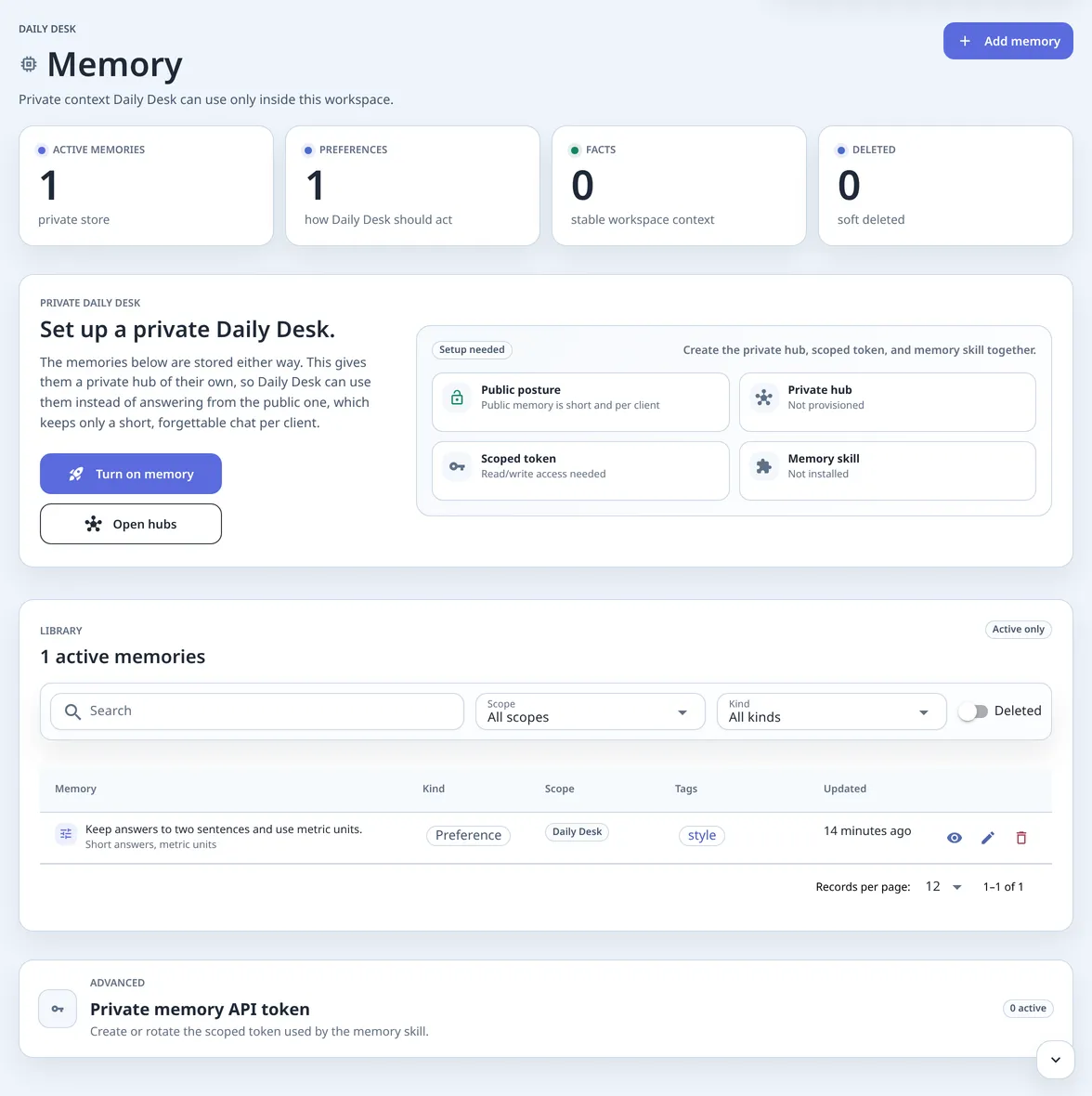
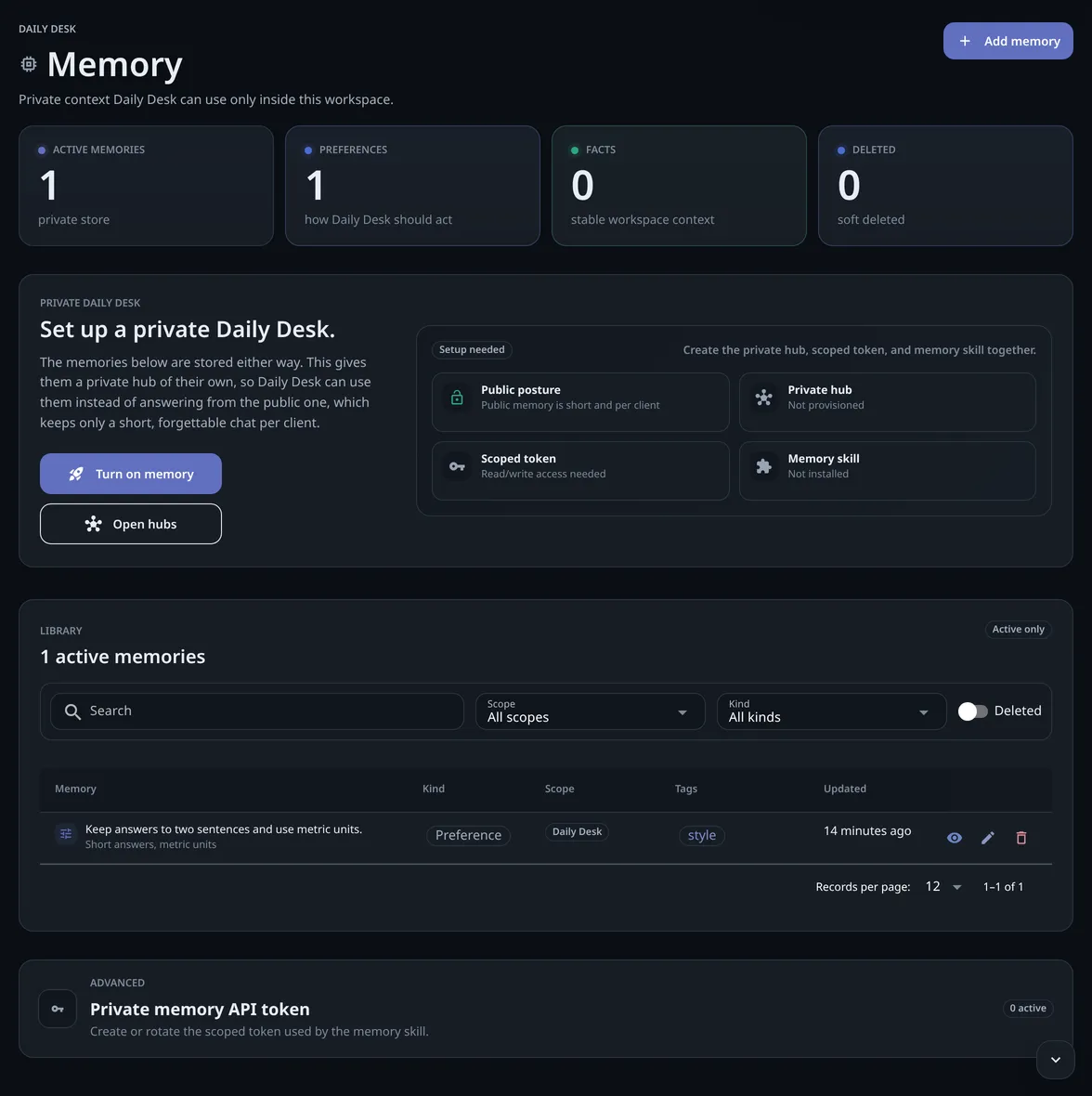
Preferences
Communication style, preferred briefing order, default city, or recurring work habits.
Facts
Stable workspace facts that help the assistant answer without asking again.
Notes
Short private context that should be reviewed or deleted when it’s no longer useful.
memory:read and memory:write for the memory skill.A private memory setup is ready when: