

Play Music Assistant on a Thalovant Speaker
Make a Thalovant speaker play music from your Music Assistant on its own speaker, and drop the music while it listens to you.
Say “play some jazz” to your Thalovant speaker, and it plays from your Music Assistant on its own speaker, then goes quiet when you talk to it.
You need a Thalovant speaker, Music Assistant 2.10 or later running at home, and the address of Music Assistant. The speaker’s music is off until you turn it on.
-
Switch on the Squeezelite player in Music Assistant. Your speaker talks to Music Assistant through Squeezelite, and in a fresh Music Assistant 2.10.9 that player type isn’t on yet. Open Settings, then Players, and select Add more player providers.
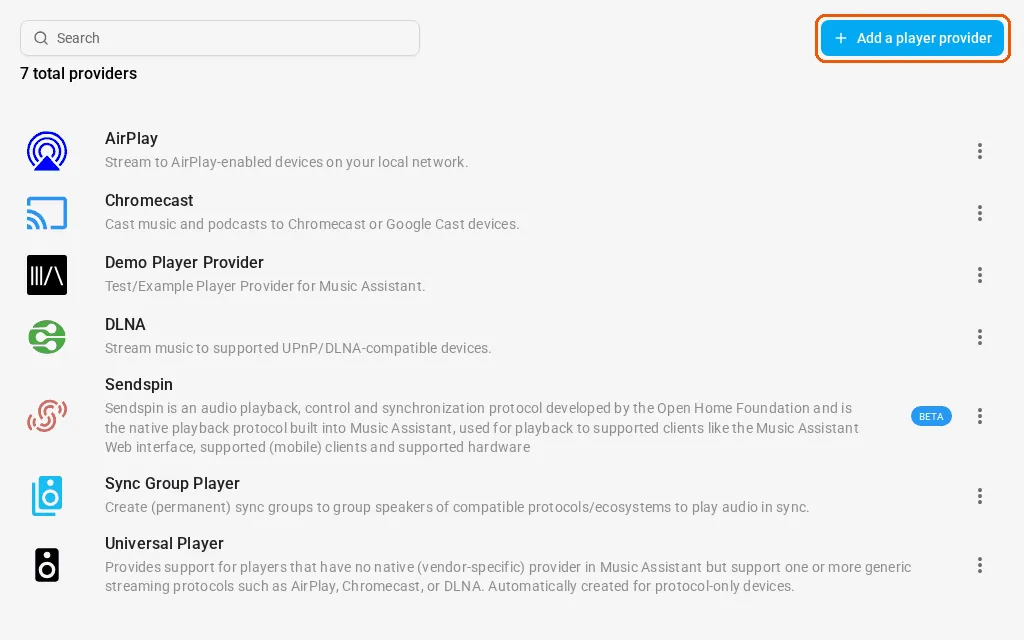
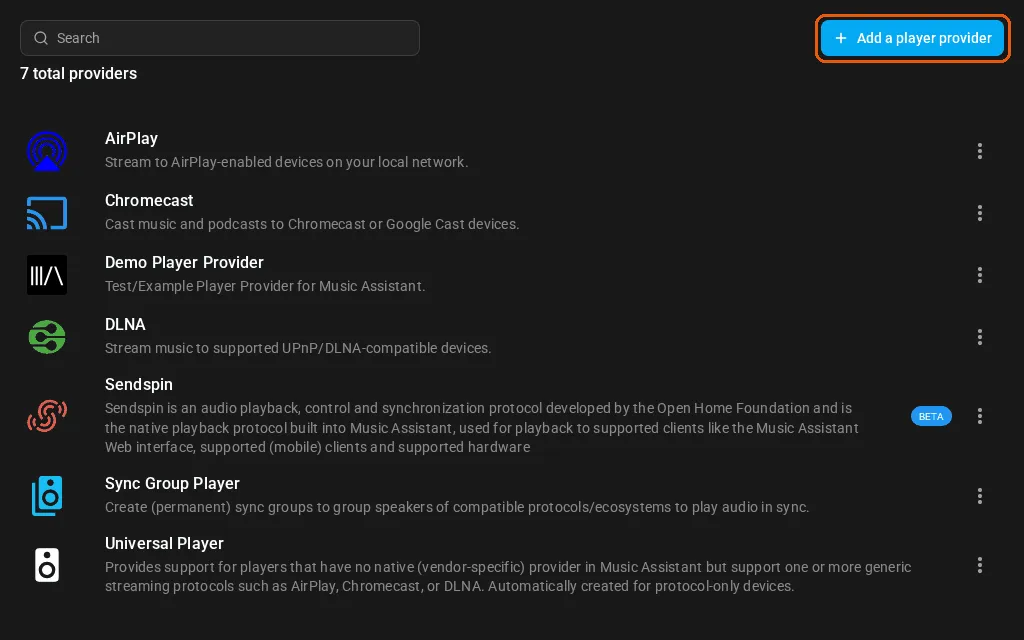
Add a player provider is at the top right. -
Pick Squeezelite. Type Squeezelite in the search box and select it. It needs no settings.
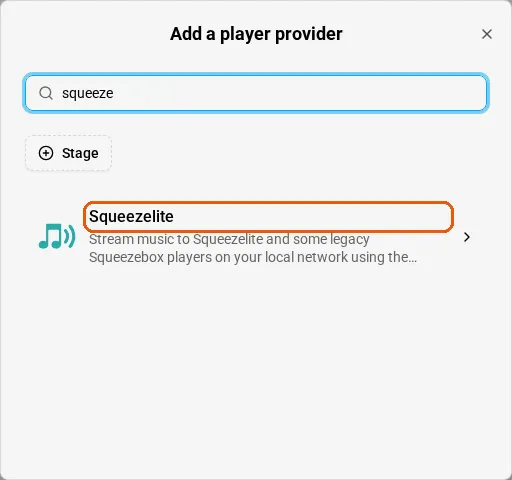
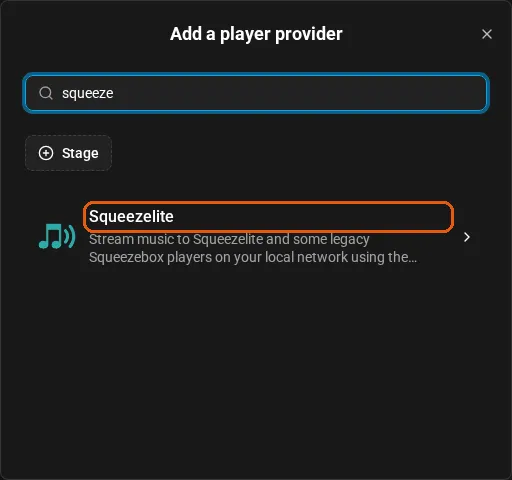
Search for Squeezelite and select it. 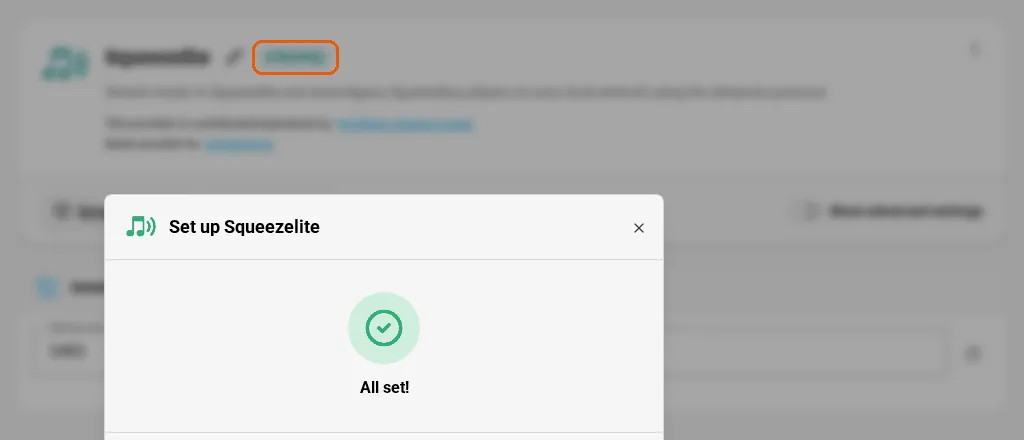
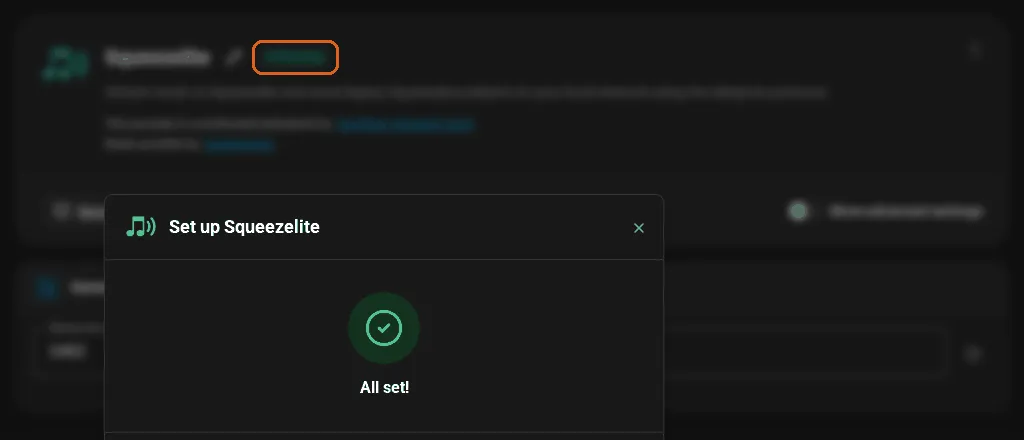
When the window says All set!, Squeezelite is on and its badge shows Running. -
Turn on the music on your speaker. Your device’s own guide shows how to turn this on. It needs your Music Assistant address and the room the speaker is in, for example “Office”.
-
Find it in Music Assistant. Open Settings, then Players. Your speaker is in the list under the name you gave it.
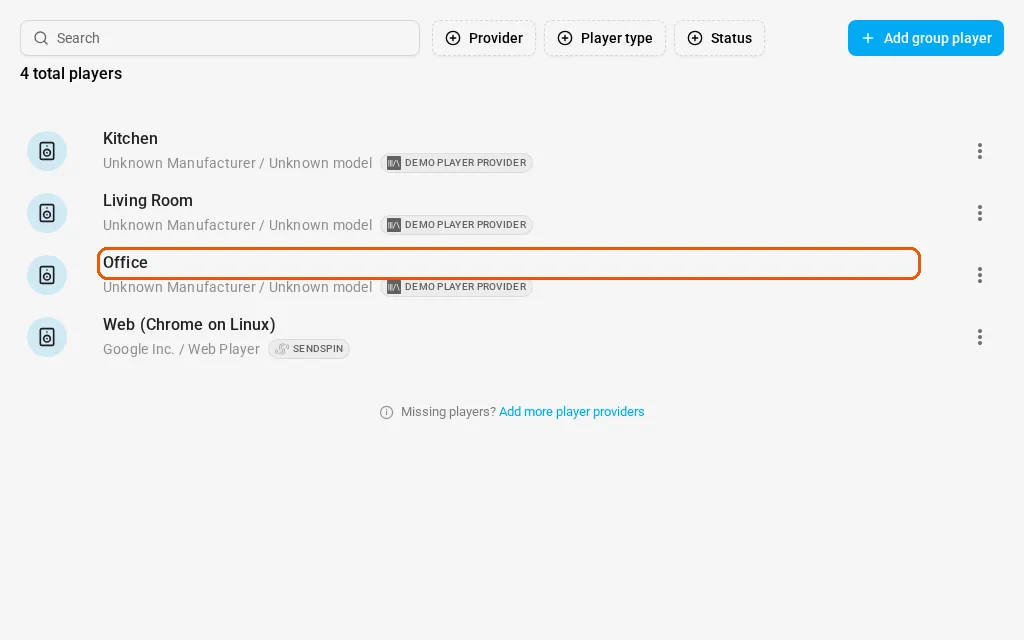
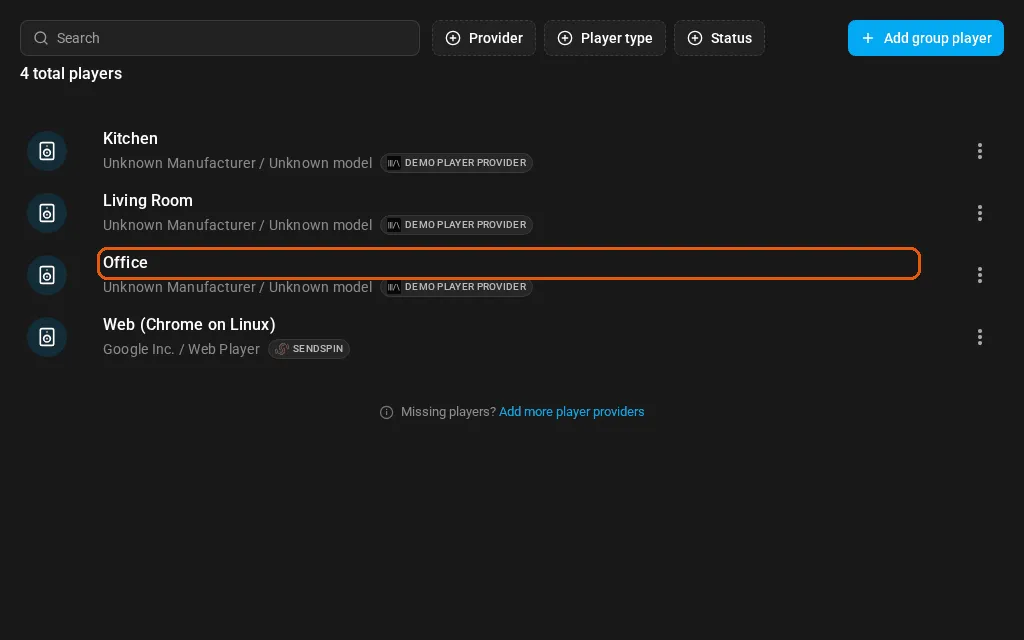
Your speaker appears under the name you gave it.
Check It Works
Section titled “Check It Works”Say to your speaker: “Play some jazz.” The music comes out of the speaker. Say its wake word and the music drops while it listens.
If It Doesn’t Work
Section titled “If It Doesn’t Work”If the player isn’t in Music Assistant, check that Squeezelite shows as running, and that the address you gave is the one you use for Music Assistant. If “play jazz” plays in another room, the player’s name in Music Assistant must be the room name you say.
To control music from any device, not only a Thalovant speaker, see Play Music Assistant Through Home Assistant.