
Runtime
Shared defaults for a skill set.
Runtime is the working setup behind a skill set.
It keeps shared defaults for language, location, speech, blocked skills, and skill health.
Most users do not need runtime on day one. Start with the default. Change runtime only when one hub needs different behavior.
| Question | Simple answer |
|---|---|
| What is runtime? | Shared working settings behind a skill set. |
| What does it affect? | Hubs that use that skill set. |
| What settings live there? | Language, location, speech, blocked skills, live skill status, and update state. |
| How do I add capacity? | Standard hubs use a shared skill runtime. Plan-enabled Autoscaling hubs use their own workers; choose capacity on the hub. |
| Should I change it first? | Usually no. Start with the default. |
| Where do I change it? | Runtime config for the selected skill set. |
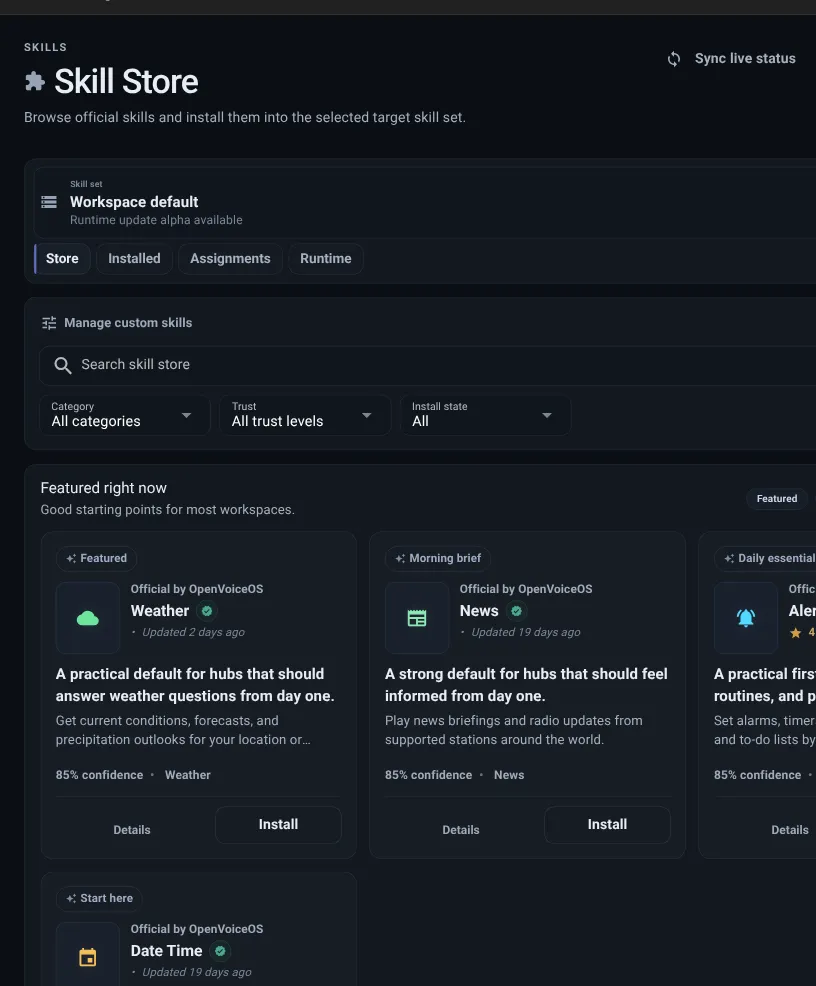
Runtime
Shared defaults for a skill set.
Skill set
The collection of skills a hub can use.
Hub
The place clients connect to.
Client
The app, device, or agent that connects.
Runtime settings choose behavior, not the number of workers. A Standard hub uses the shared worker for its skill set. An Autoscaling hub uses its own workers and the ceiling shown in Billing. Changing a legacy runtime replica setting does not enable autoscaling.
Runtime controls:
Most workspaces start with workspace default skills. This keeps many hubs on the same simple setup.
Use a separate skill set when one hub needs different skills, different runtime settings, or a slower update pace.
| Choice | Best when | What to remember |
|---|---|---|
| Workspace default | Most hubs should behave the same way. | Changing it can affect every hub using it. |
| Separate skill set | One hub needs different skills or settings. | Changes stay limited to hubs assigned to that skill set. |
Open runtime config when you need to:
Each skill set currently runs one effective runtime worker. This avoids inconsistent pod-local skill, intent-cache, and messagebus state. If an older configuration requests more than one worker, Thalovant continues with one and reports the requested and effective counts in runtime status.
Runtime is ready when: